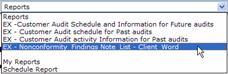
This menu choice is available from the Report Menu of the following pages:
Project Activity Details Page
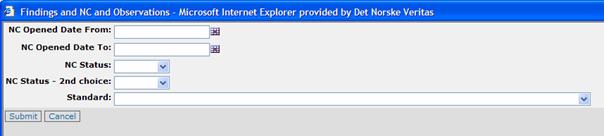
Selecting this choice will bring up the following window where the selection can be further limited by adding/selecting data to the fields, - but where it is not required to fill any information before hitting the Submit button.
So hitting the Submit button ( )
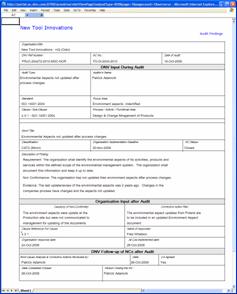
directly in our illustrative case will produce the following Word Document for
the relevant findings:
)
directly in our illustrative case will produce the following Word Document for
the relevant findings:
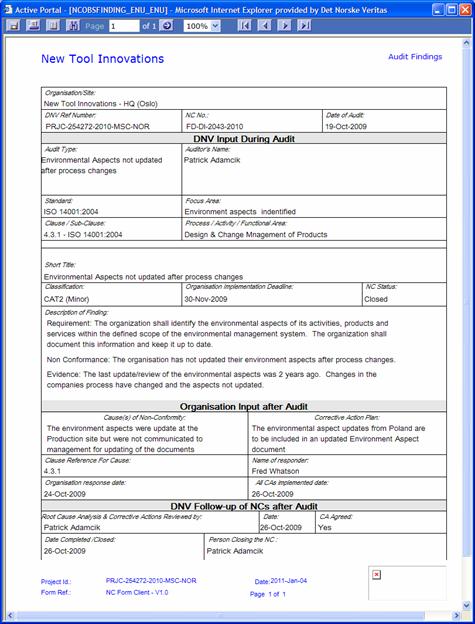
Note the buttons on the top of this page, which are described below in a chapter below, and which allows further flexible export/download (for possible further manipulation) or print of this content.
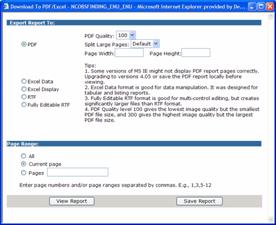
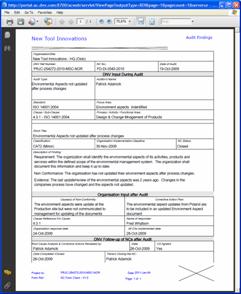
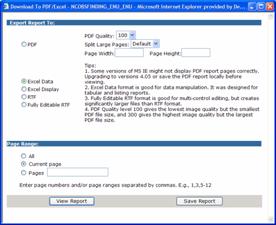
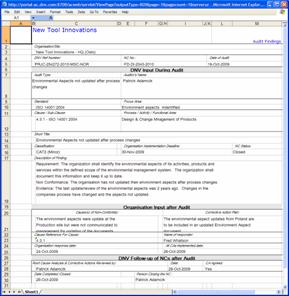
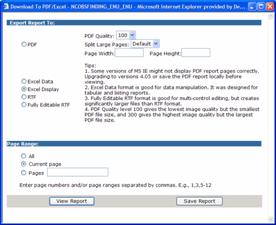
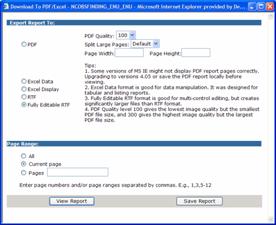
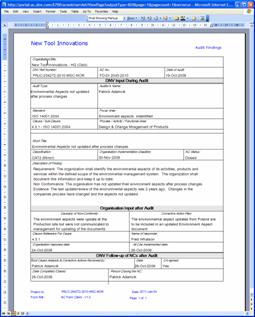
The following images show how the information in this nonconformity note can be exported to other formats and applications such as
PDF for use with Adobe Acrobat
Excel data – less formatting
Excel more formatted according to the above
RTF for use with MS Word
To generate these formats, please select the left uppermost button: